UNOFFICIAL STARRUPTURE COMPANION

Keep your bearings.
Keep building.

Look up recipes and upgrades in the Codex, keep ingredients in view, follow your Personal Markers in the compass, all while the rupture timer counts down.

Windows 10 / 11 · Built in Rust · Source available

IN-GAME VIEWUPDATE 3
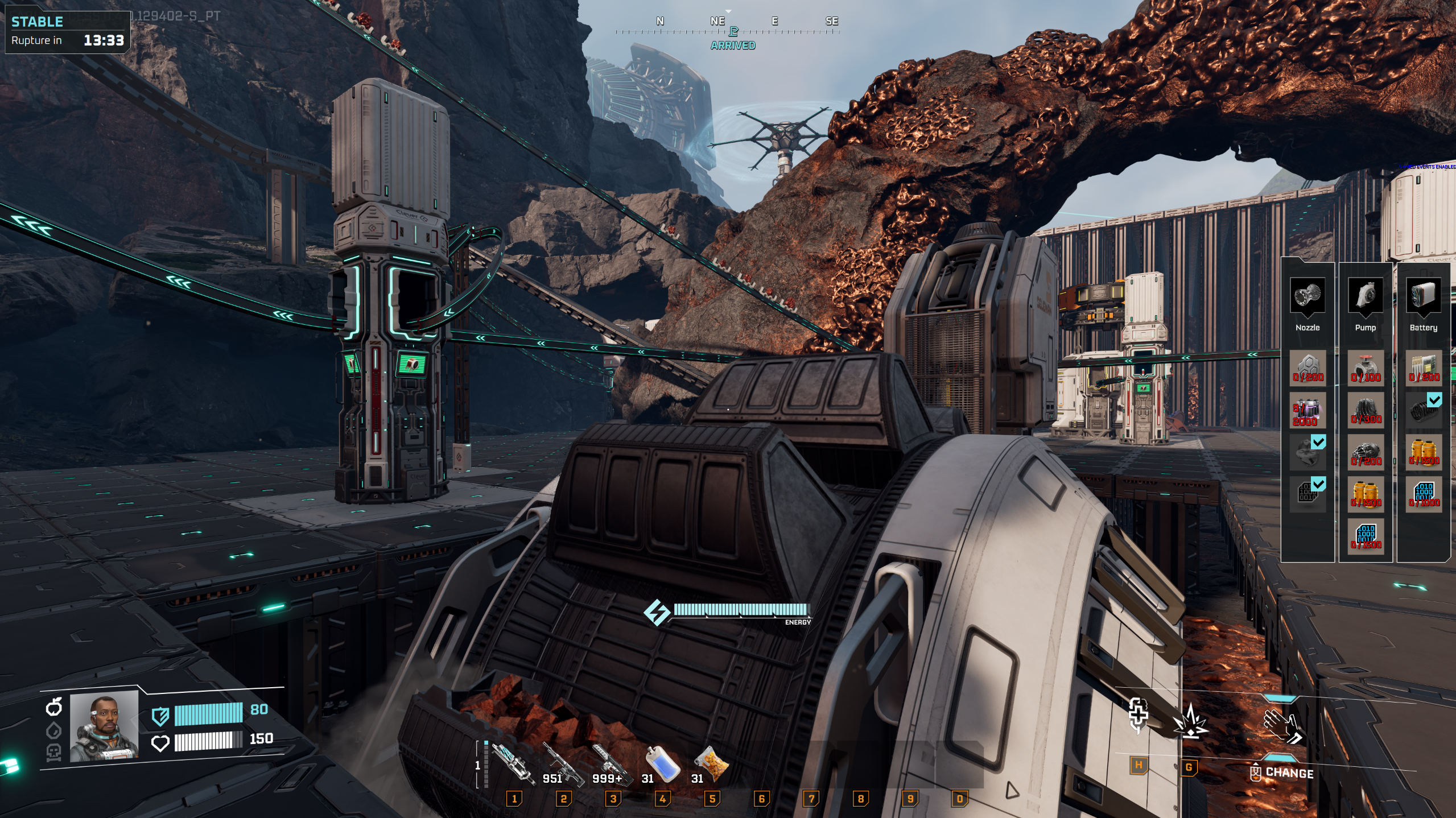
StarRupture factory with a rupture countdown at top left, a Personal Marker on the compass and three pinned recipe panels on the right.
Rupture timing, recipe progress and navigation in view.Countdown / Personal Markers / Recipe progress

Update 3 supported

Choose the download for the Steam version you play. Packages are available for Update 3 and Update 2 Hotfix 0.3.5.

01 / A CLOSER LOOK

See the overlay
in action.

Check the timer, track recipe ingredients and follow your Personal Markers. Each feature is shown below using actual game captures.

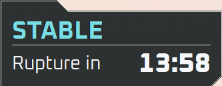
STABLE timer stage, 13:58, from an actual in-game capture.
STABLE
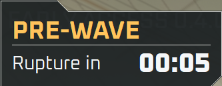
PRE-WAVE timer stage, 00:05, from an actual in-game capture.
PRE-WAVE
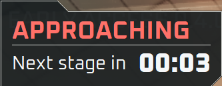
APPROACHING timer stage, 00:03, from an actual in-game capture.
APPROACHING
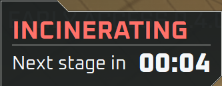
INCINERATING timer stage, 00:04, from an actual in-game capture.
INCINERATING
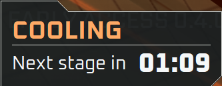
COOLING timer stage, 01:09, from an actual in-game capture.
COOLING
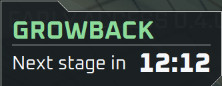
GROWBACK timer stage, 12:12, from an actual in-game capture.
GROWBACK

All six stages, captured in game. Times shown are examples.

01 / RUPTURE COUNTDOWN

Know how long you have.

See the current rupture stage and its remaining time.

  • Follows the game simulation and pauses with it.
  • Stage colours make the current phase easy to recognise.
  • Move the timer and lock it in place.
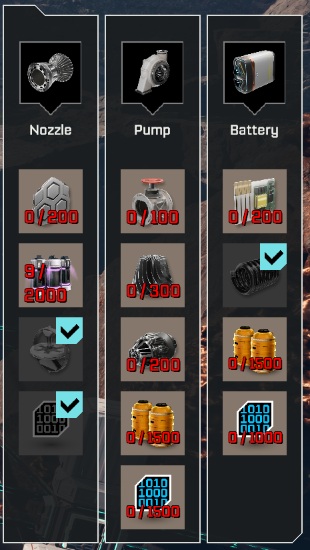
Close-up of three actual pinned recipes: Nozzle, Pump and Battery, showing ingredient requirements and completion ticks.
THREE RECIPES / ONE GLANCE
03 / RECIPE TRACKINGUPDATE 3

Keep materials
in view.

Pin production inputs, recipe unlock requirements, or materials for machine and Base Core upgrades. Keep the materials you need visible while you play.

Update 2: one pinned recipe, controlled by keyboard shortcut. Update 3: up to three pins shared between the Codex and Recipe Station.

  • Pin from the Codex, or use Alt+X or double-click at the Recipe Station.
  • Track unlock progress with ingredient counters and completion ticks.
  • Update 3 restores your recipe pins after restarts and when switching local worlds.
  • Recipe Station pins close automatically when you unlock the recipe.

How to pin recipes and upgrades ↗

Watch recipe tracking ↘

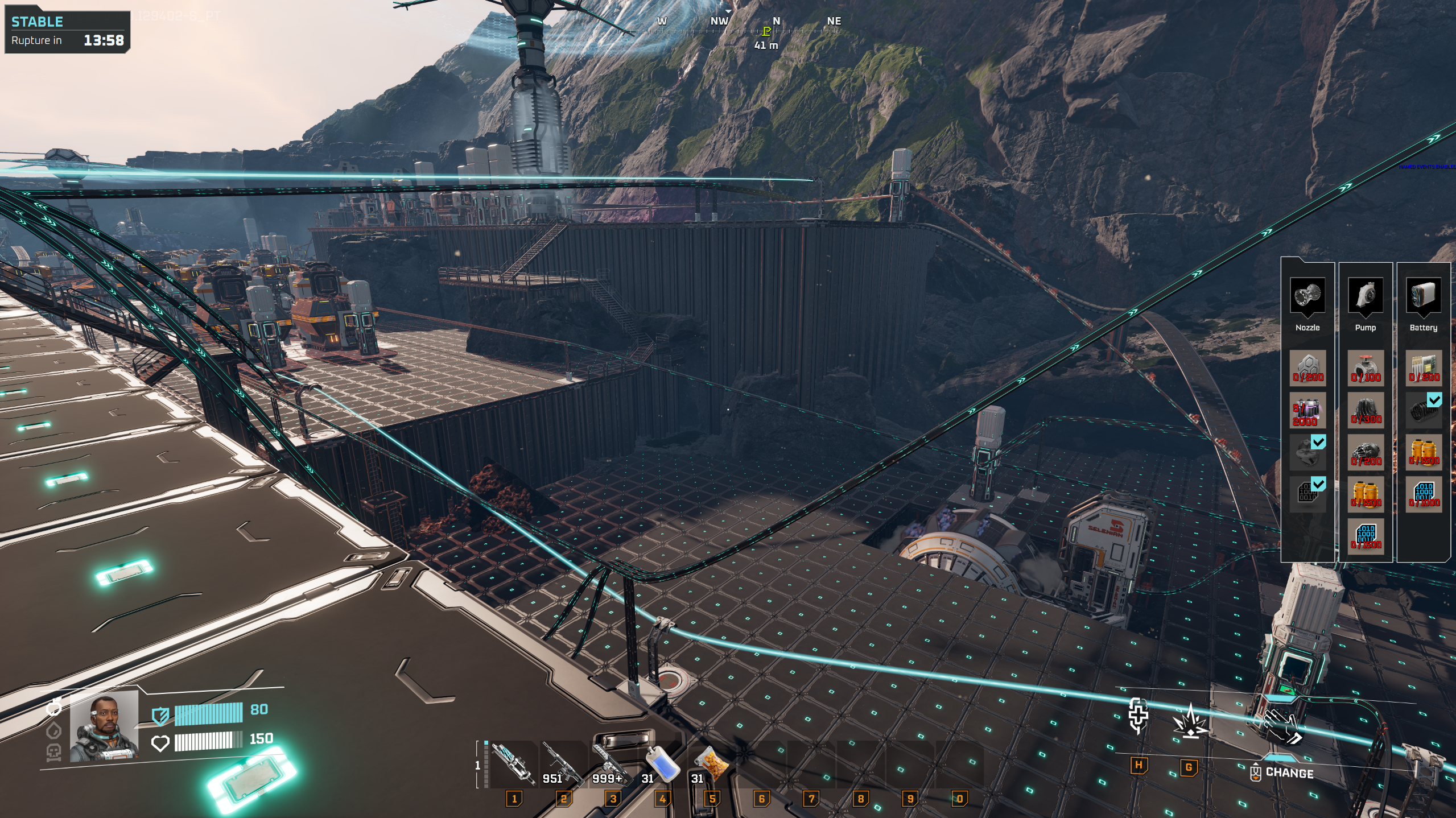
CURRENT / FACTORY BACKGROUND
Compass close-up with a Personal Marker flag and a distance of 41 metres.
ALTERNATIVE / CLEAR BACKGROUND
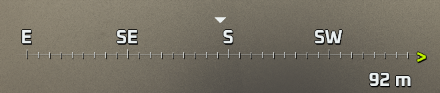
Alternative compass close-up against a clear dark wall, showing the Personal Marker side arrow and 92 metre distance.
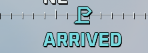
Separate close-up of the cyan ARRIVED cue.

The arrival cue appears when you reach your marker.

02 / PERSONAL MARKERSUPDATE 3

Follow your marker.

Set a Personal Marker in StarRupture. The compass shows where it is, so you can follow it without reopening the map.

  • See the marker's direction and distance.
  • See an arrival cue when you're close.
  • Set the arrival distance in Settings.
Watch Personal Markers ↘

Explore the Codex.

Press K in game to search recipes, construction costs, equipment and unlocks. Pin the recipes or upgrade materials you want to track while you play.

How to use the Codex ↗

RECORDED IN GAME

Recipe tracking and
Personal Markers.

Watch recipe pinning and Personal Marker navigation. Amber rings mark double-clicks in the recipe demo.

RECIPE TRACKING DEMOUPDATE 3
Existing pins are removed, then Pressurized Helium and Basic Building Material are pinned. Three recipe panels remain visible after leaving the station.20 seconds · No audio · Watch on YouTube
PERSONAL MARKER DEMOUPDATE 3
A Personal Marker is placed on the game's map, then followed using the overlay compass. The arrival cue appears near the destination.22 seconds · No audio · Watch on YouTube

02 / OUT IN THE WORLD

Follow your
Personal Markers.

The compass shows your marker's direction and distance. An arrival cue appears when you reach the distance set in Settings.

PERSONAL MARKER / ARRIVAL CUEUPDATE 3
In-game view near a factory with ARRIVED displayed below a Personal Marker on the overlay compass.
The Personal Marker arrival cue.Actual in-game capture
01

Choose what stays visible.

Move the timer, adjust recipe panel position and scale, and choose your pinning shortcut. Update 3 adds separate controls for each feature.

02

Keep the game unchanged.

The companion reads the running game without changing its files, memory or saves.

03

Automatic recipe setup.

Load a supported world. The app prepares recipe information from your installed game and reuses it on later launches.

03 / CHOOSE YOUR GAME VERSION

Download for
your game version.

Choose the package that matches your installed version of StarRupture.

AVAILABLE / UPDATE 3

The Update 3 build

For the public Steam release of StarRupture Update 3.

  • Searchable Codex for recipes, construction, equipment and progression.
  • Three recipe or upgrade pins, remembered for each local world.
  • Personal Marker compass and independent feature controls.
Download for Update 3

See what’s changed in 1.2.1 ↗

First time using the overlay?

Install it, choose your settings and learn the shortcuts.

Start with the setup guide ↗

SOURCE AVAILABLE / POLYFORM STRICT

Source, feedback and support.

Read the source, report a bug or suggest a feature.

Feedback and support